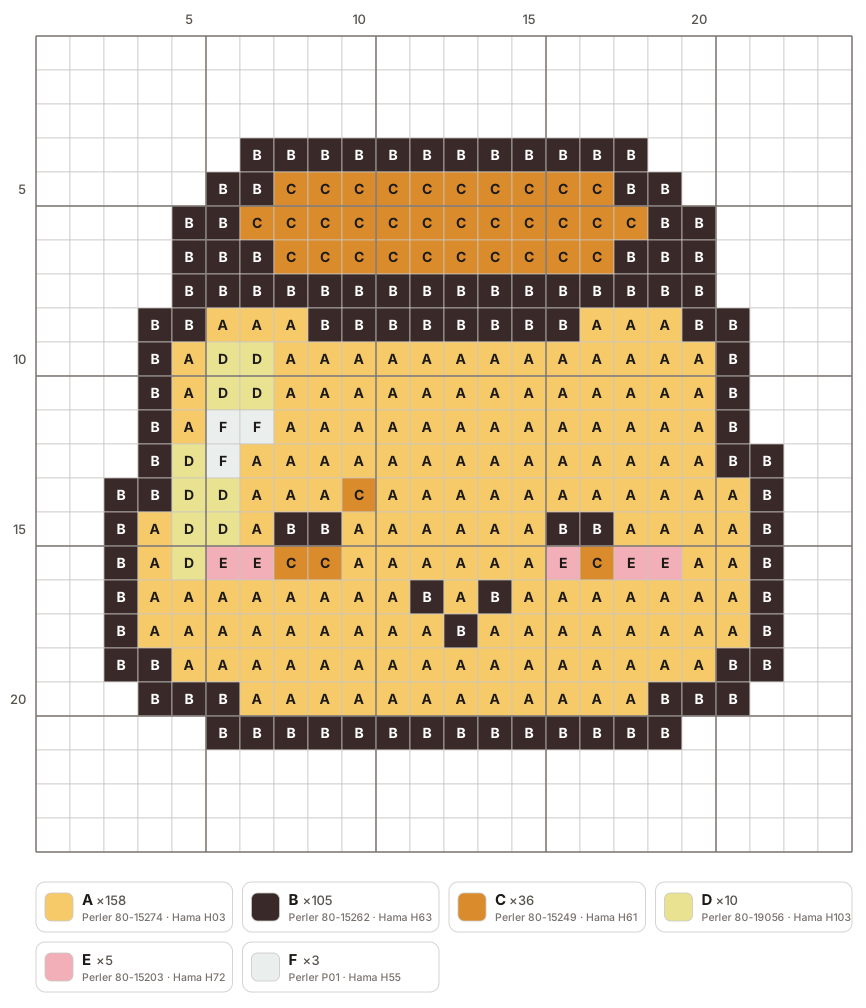
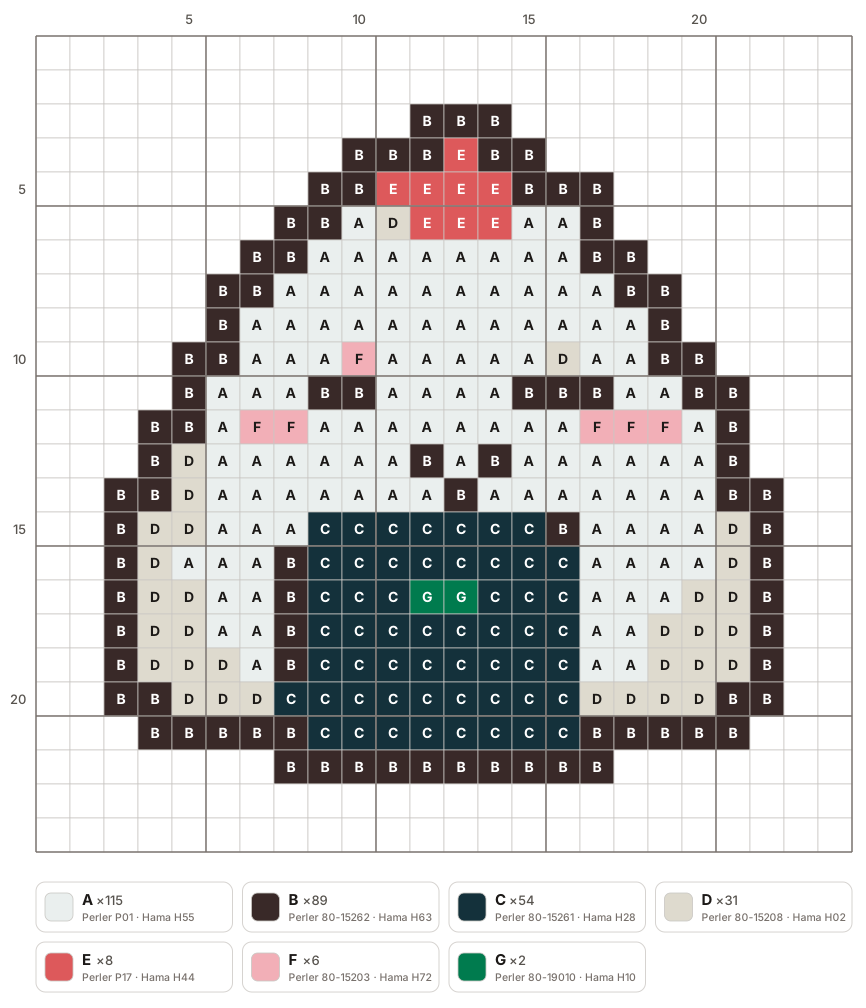
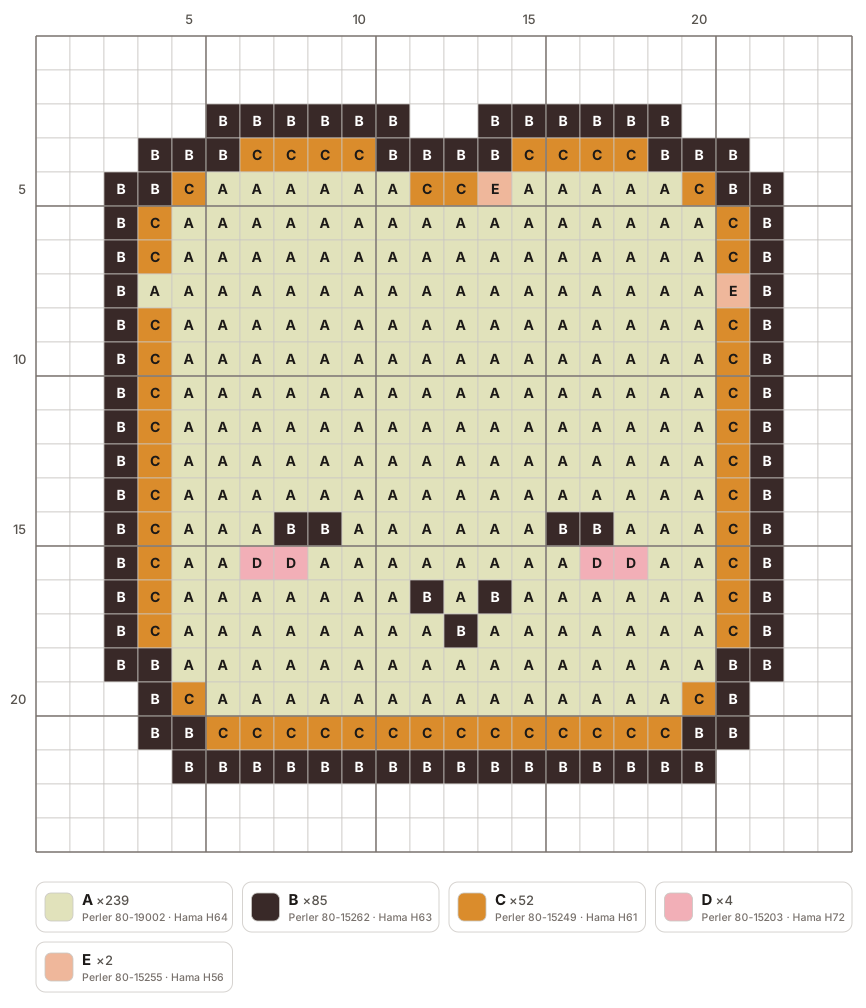
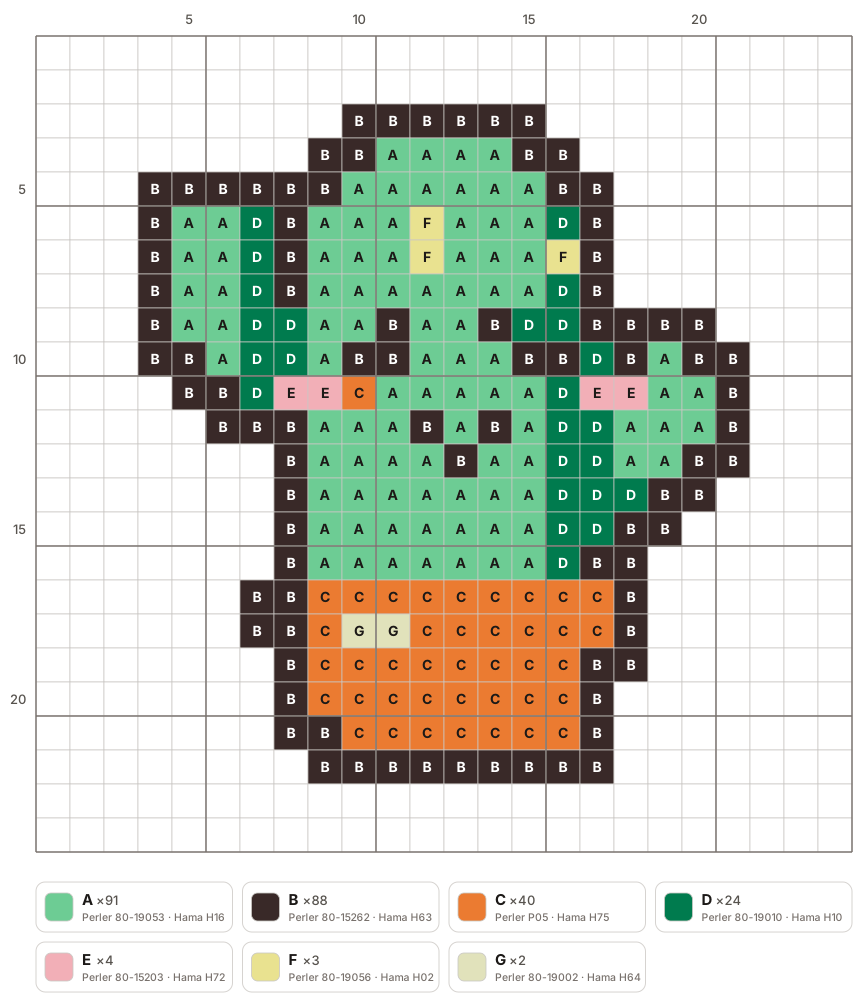
Turn an image into a fuse bead pattern
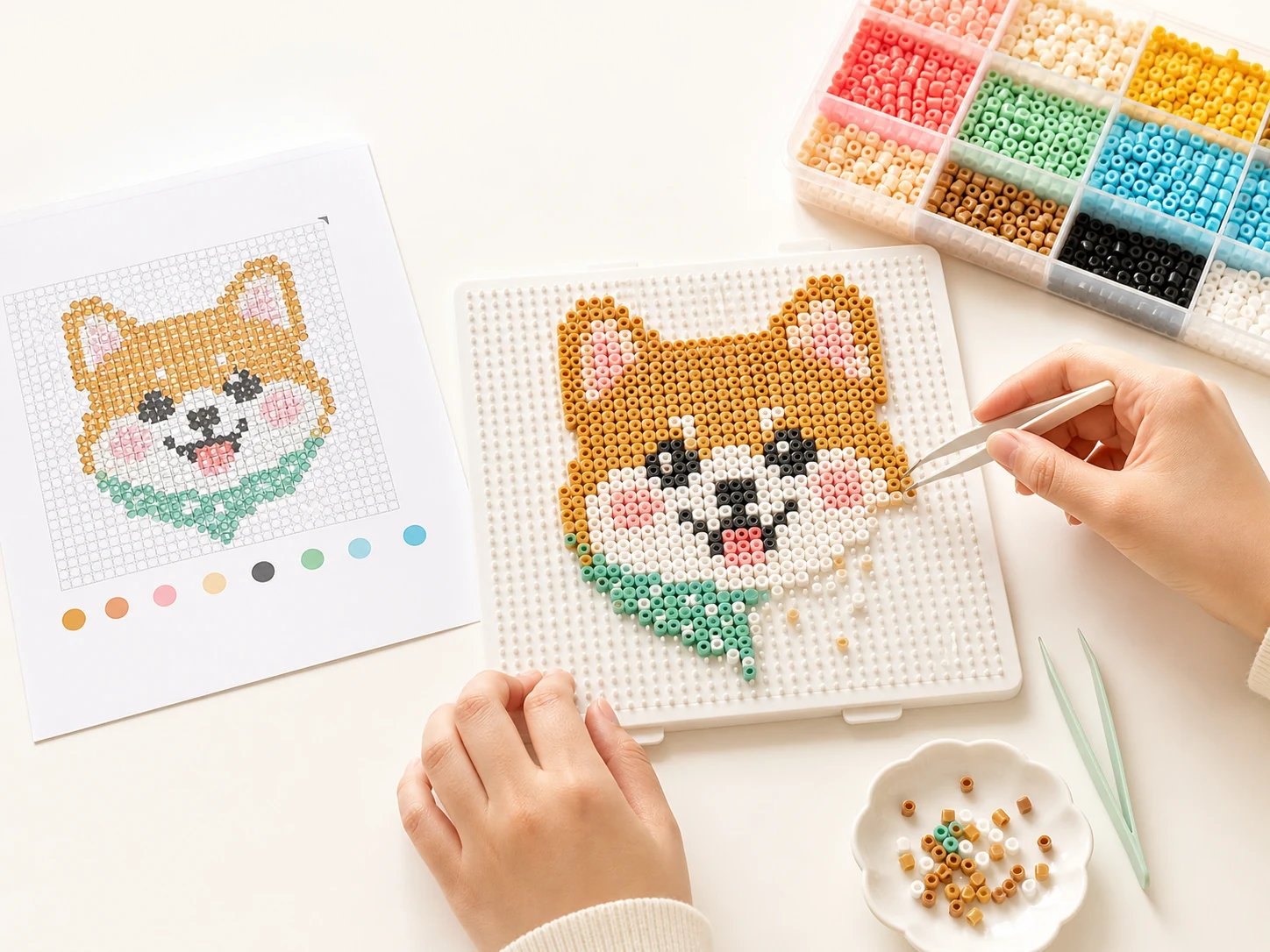
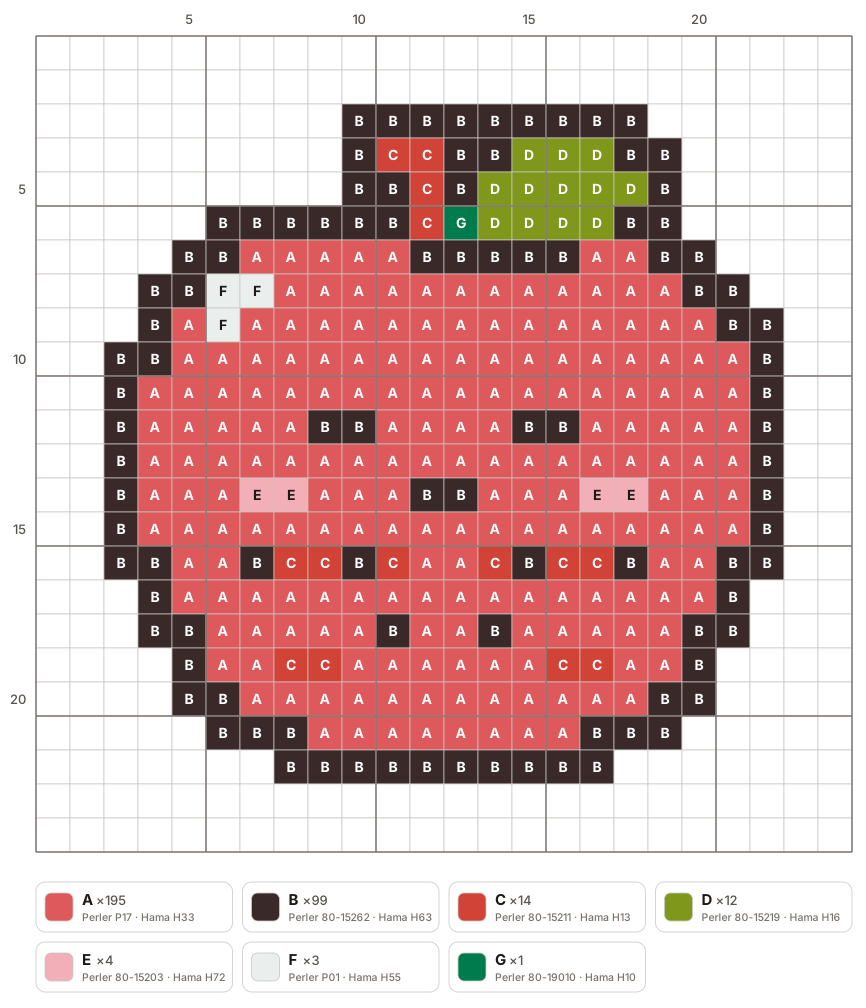
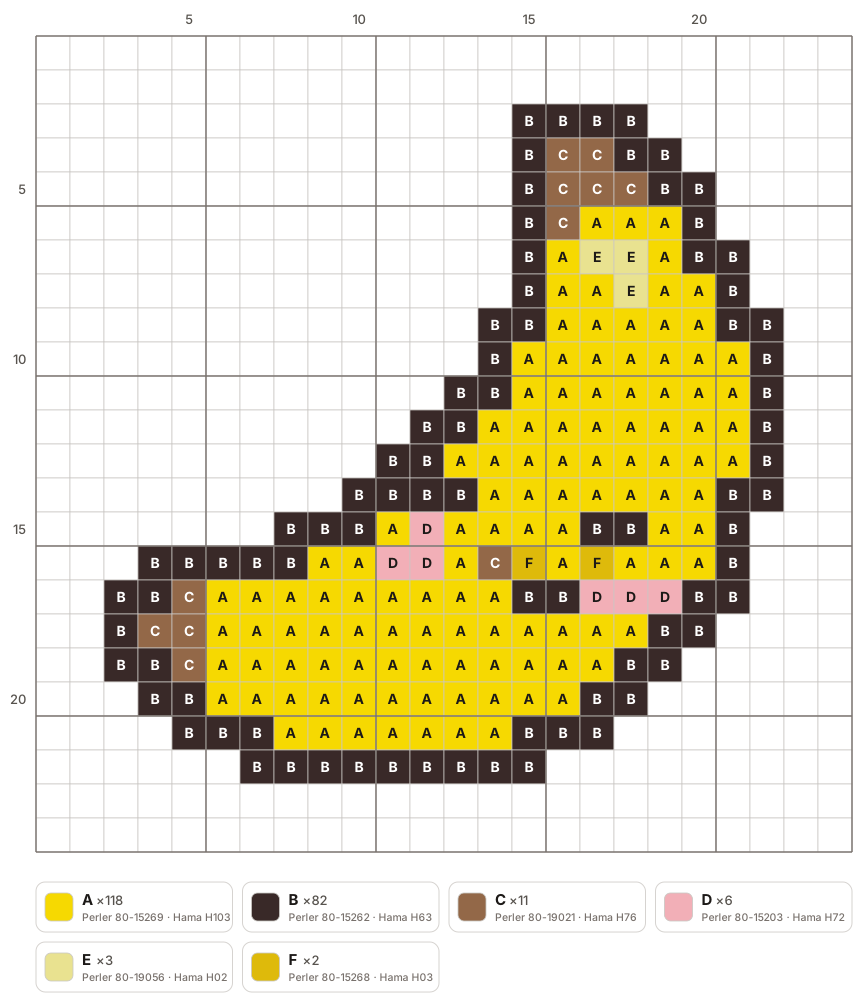
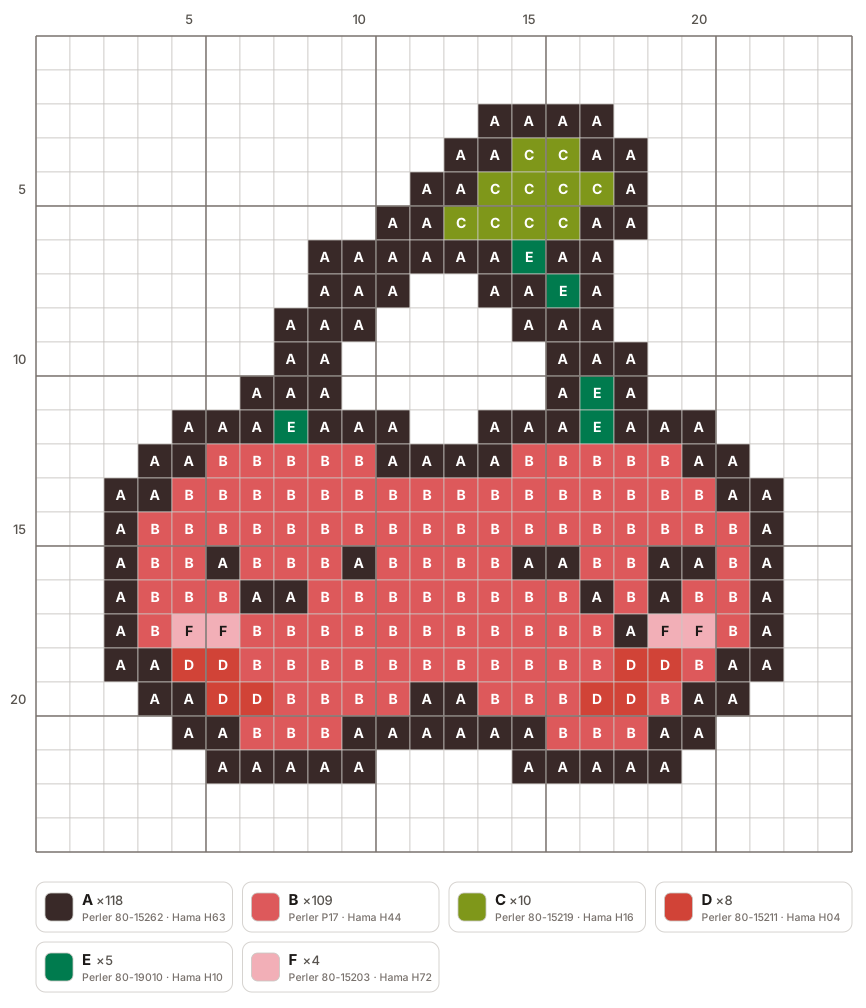
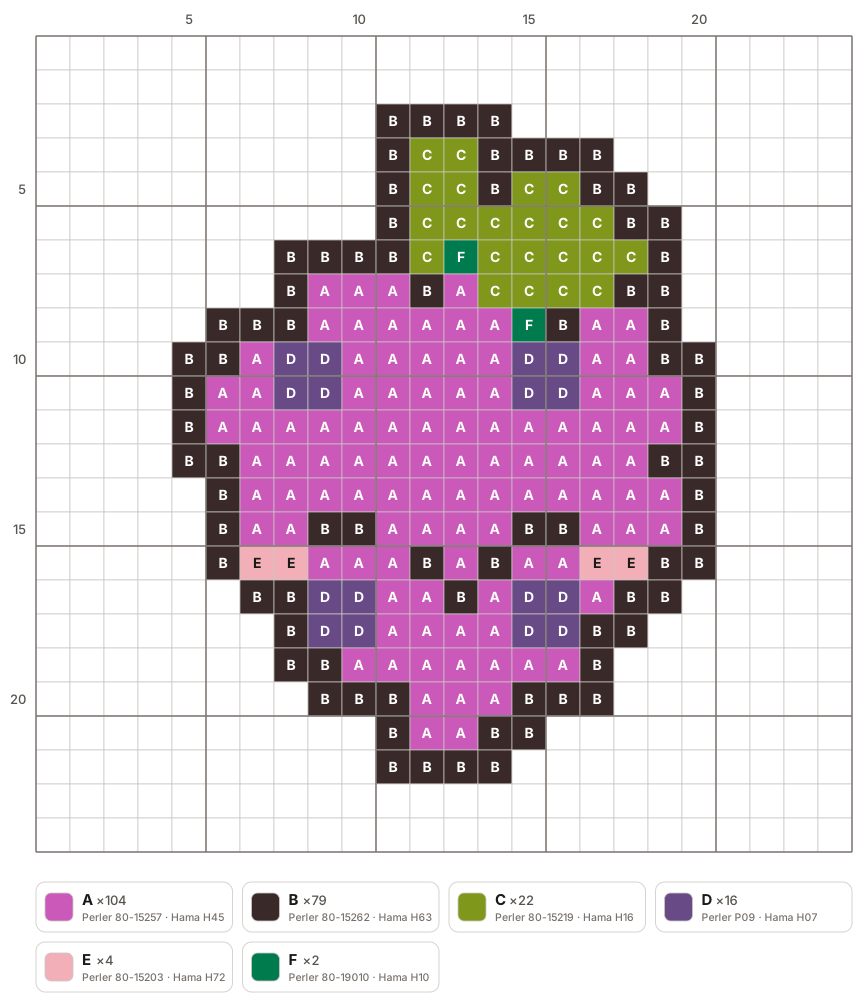
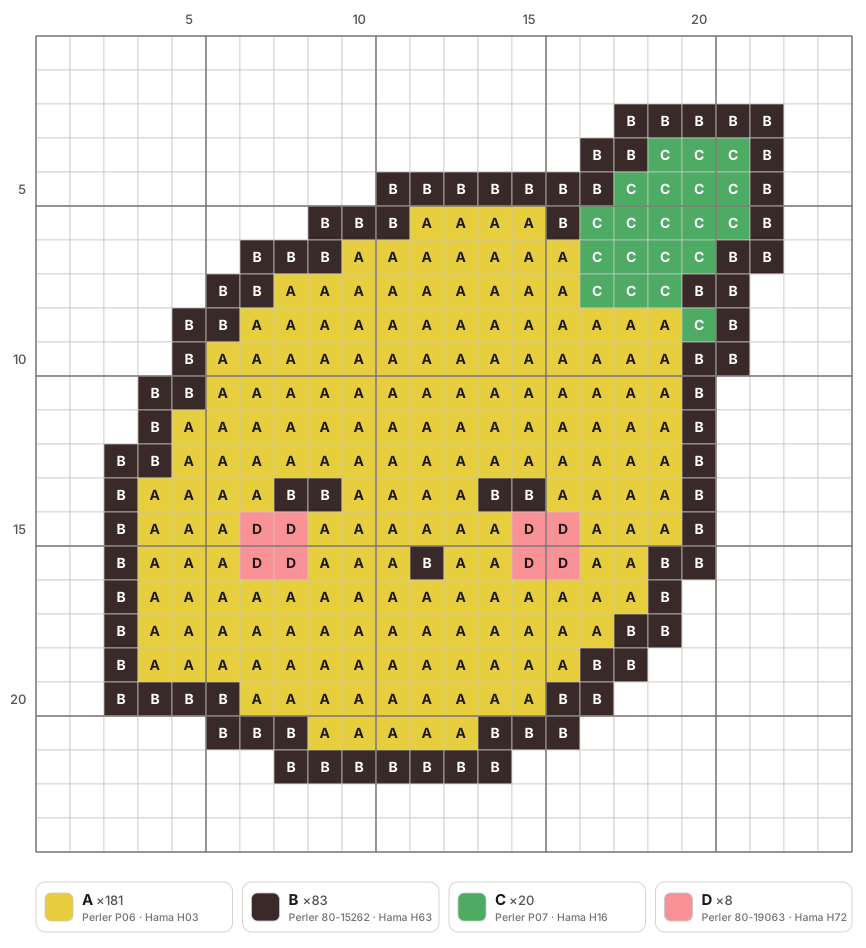
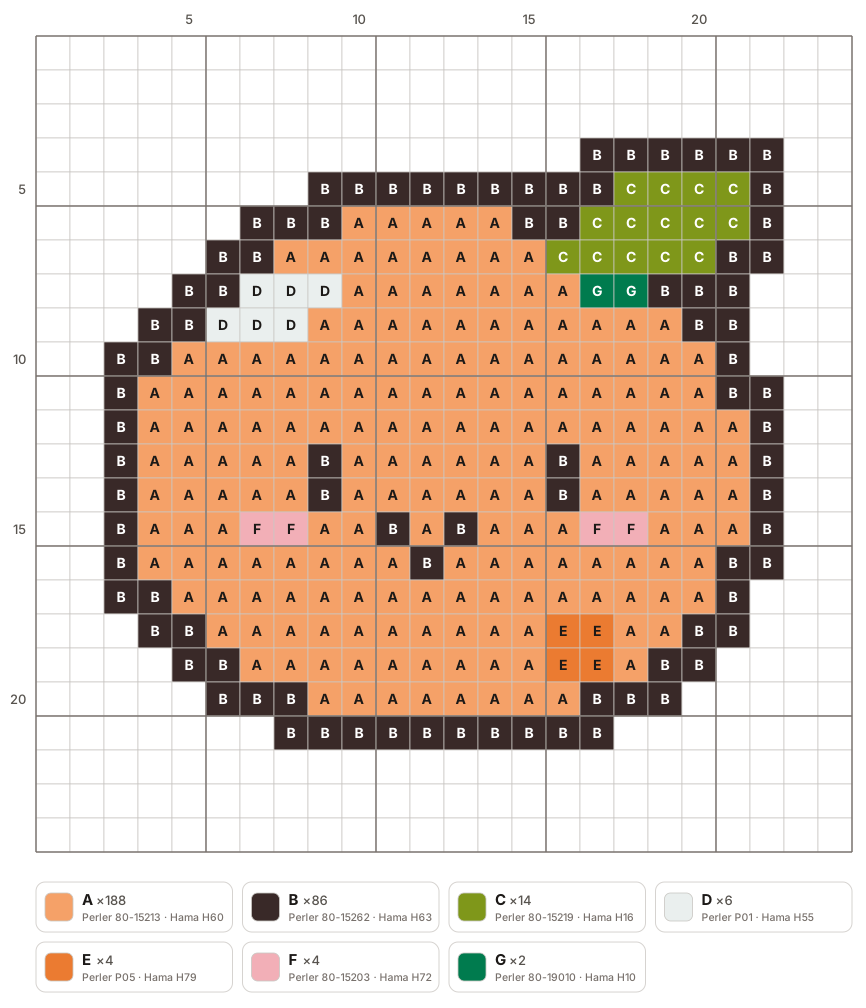
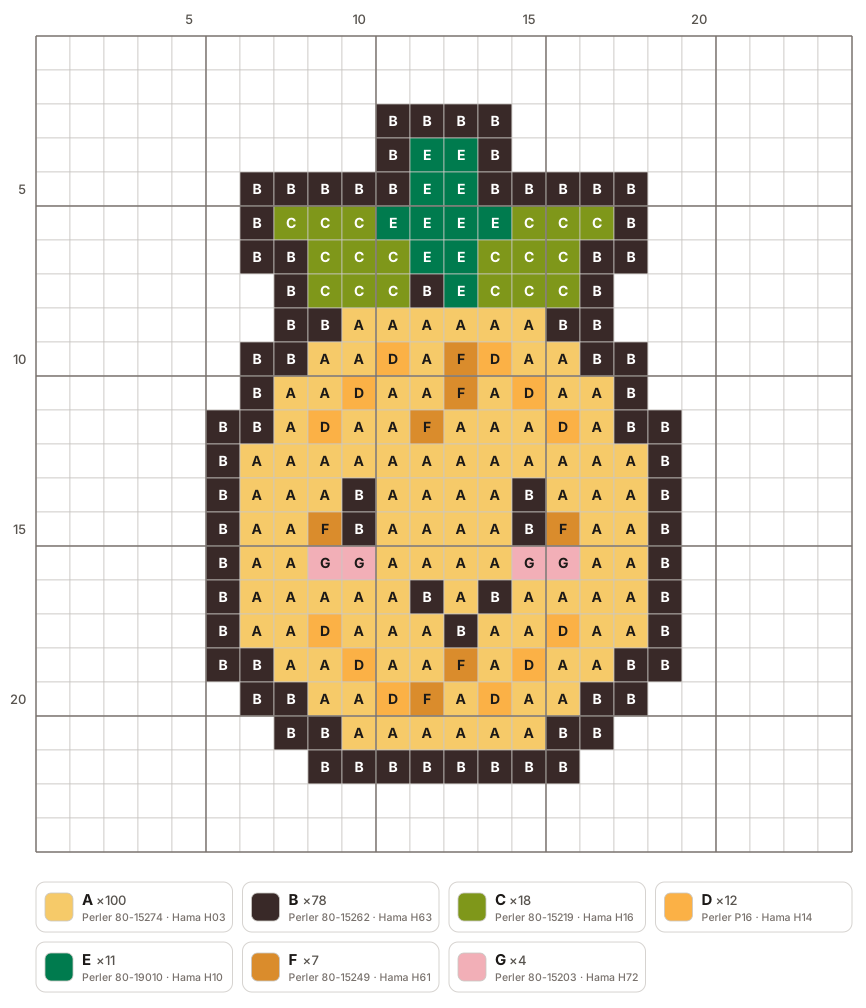
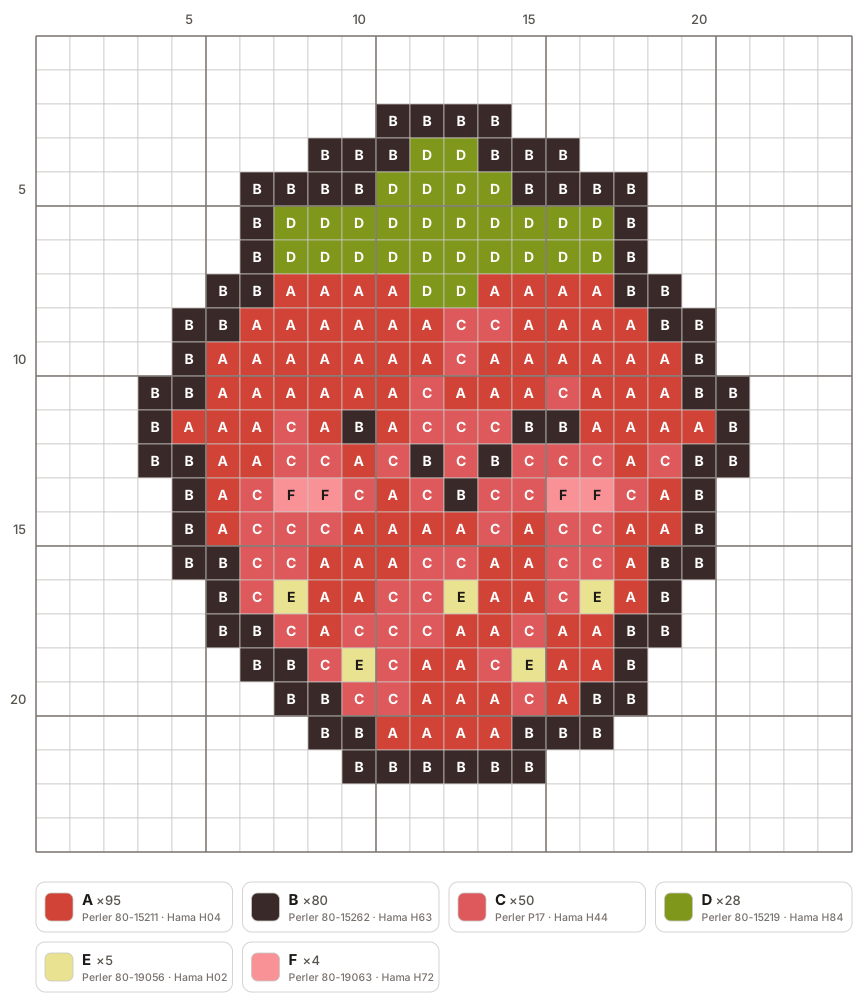
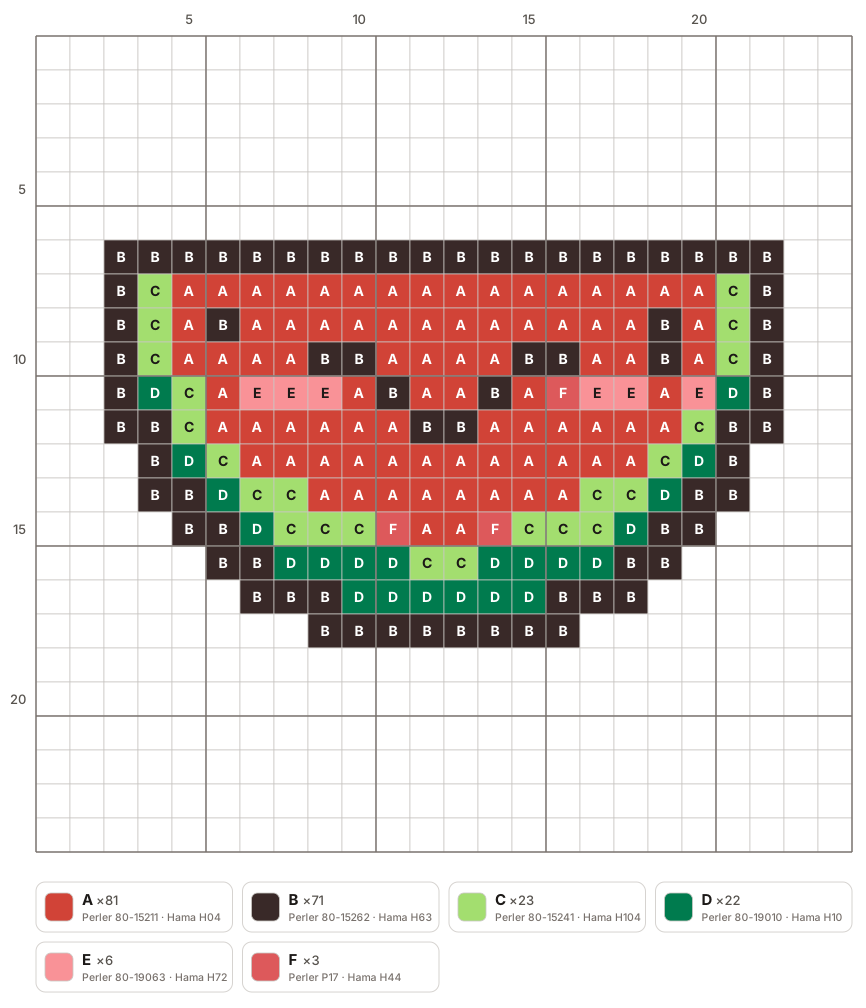
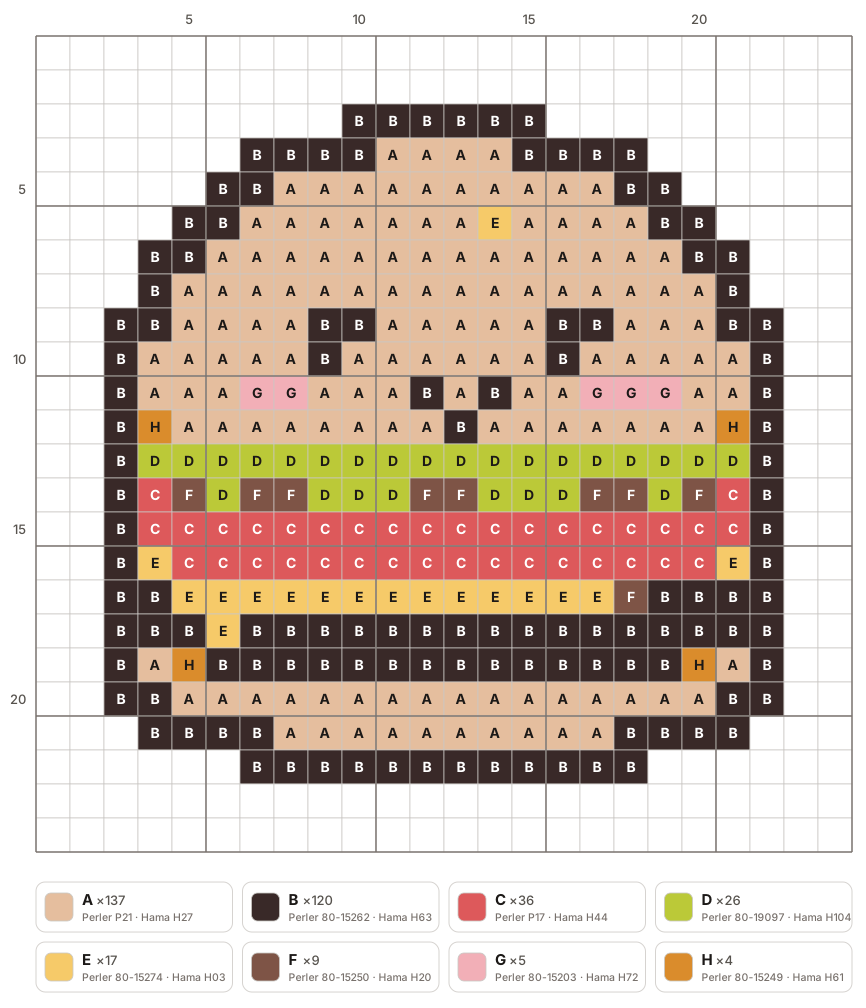
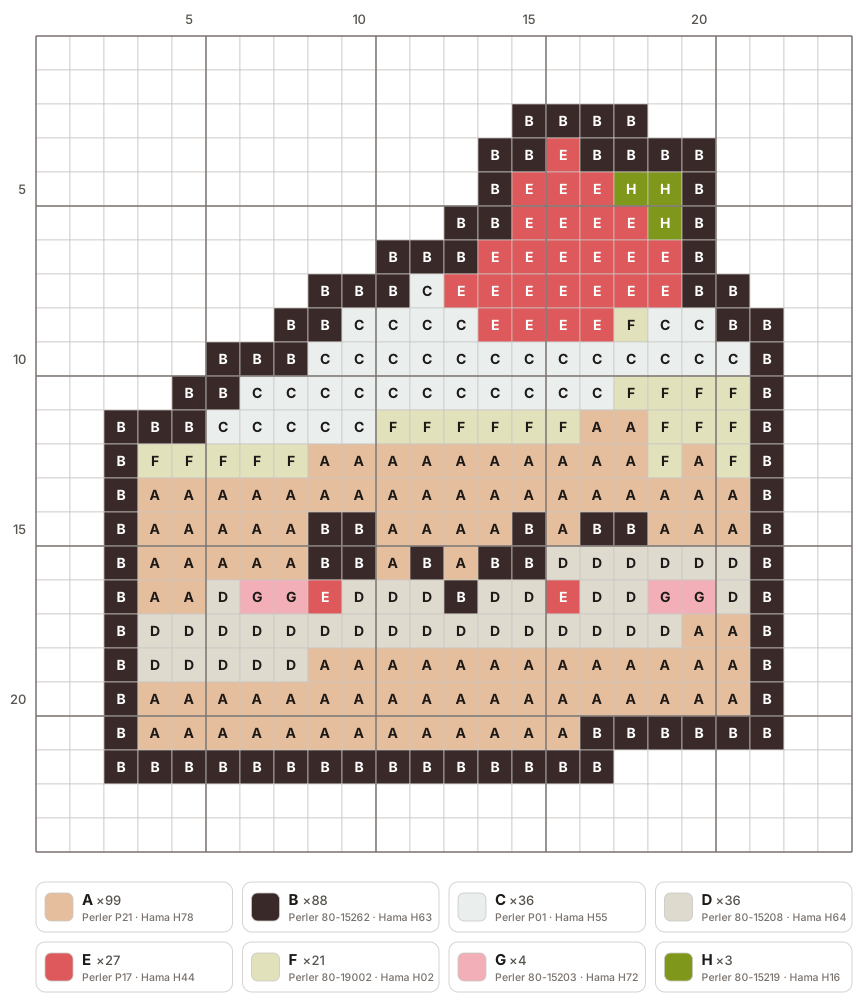
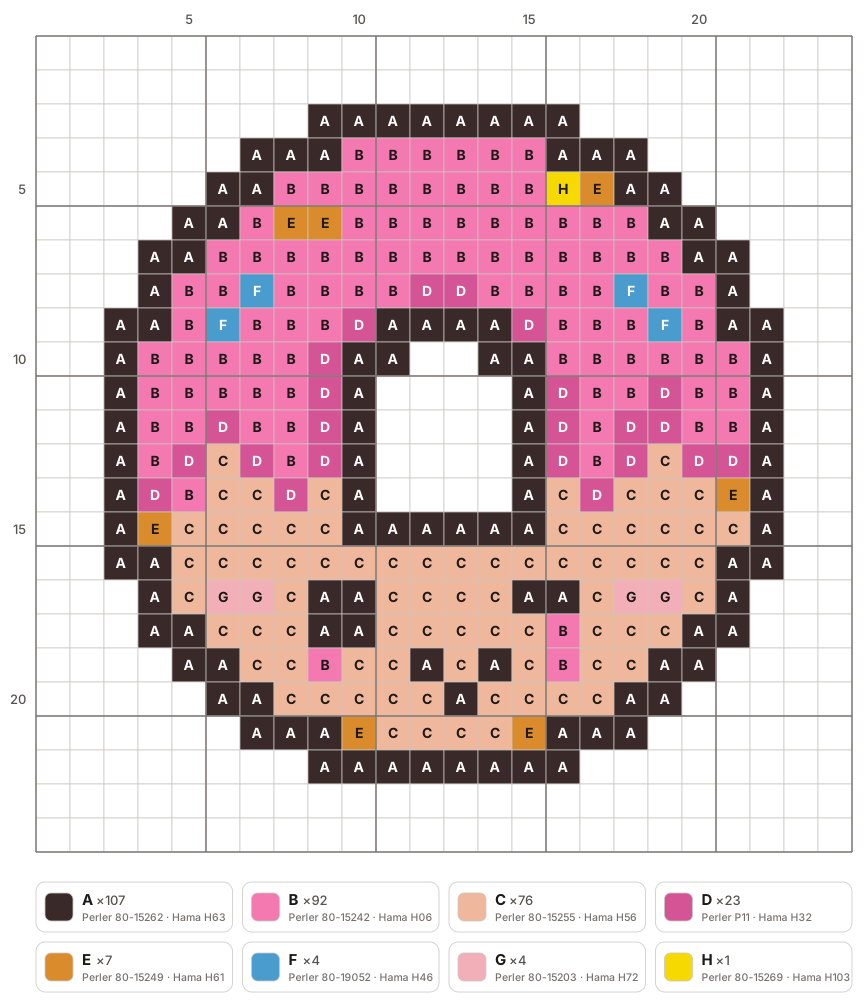
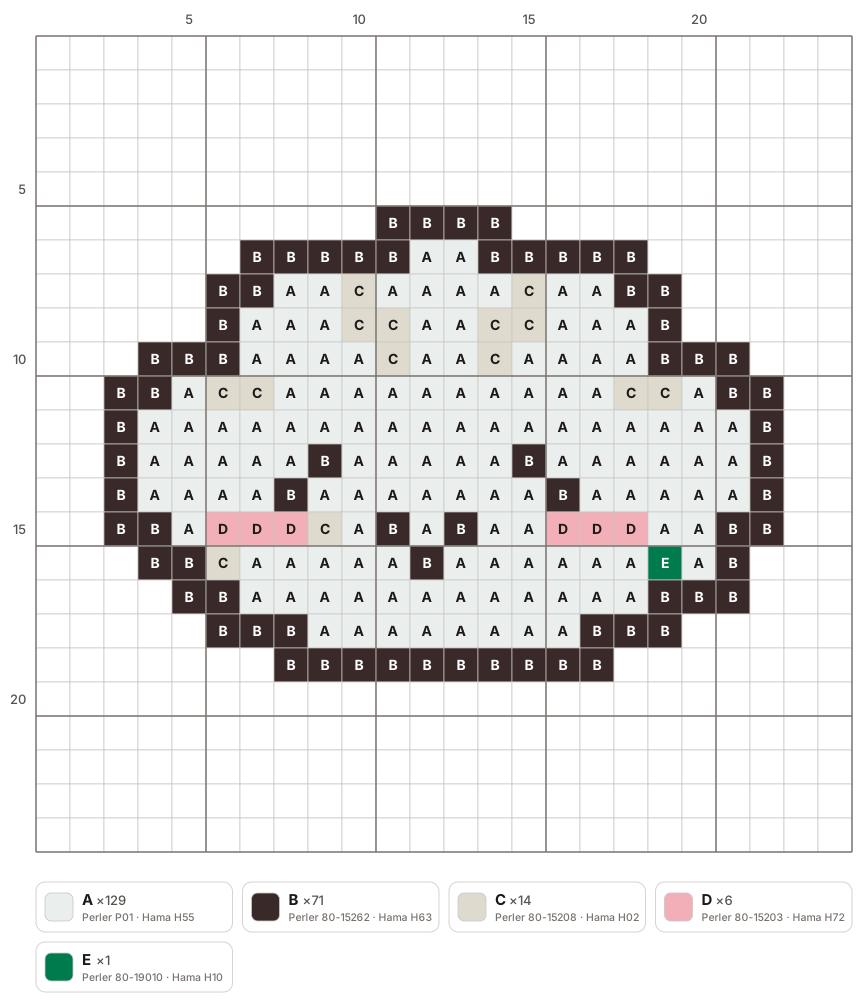
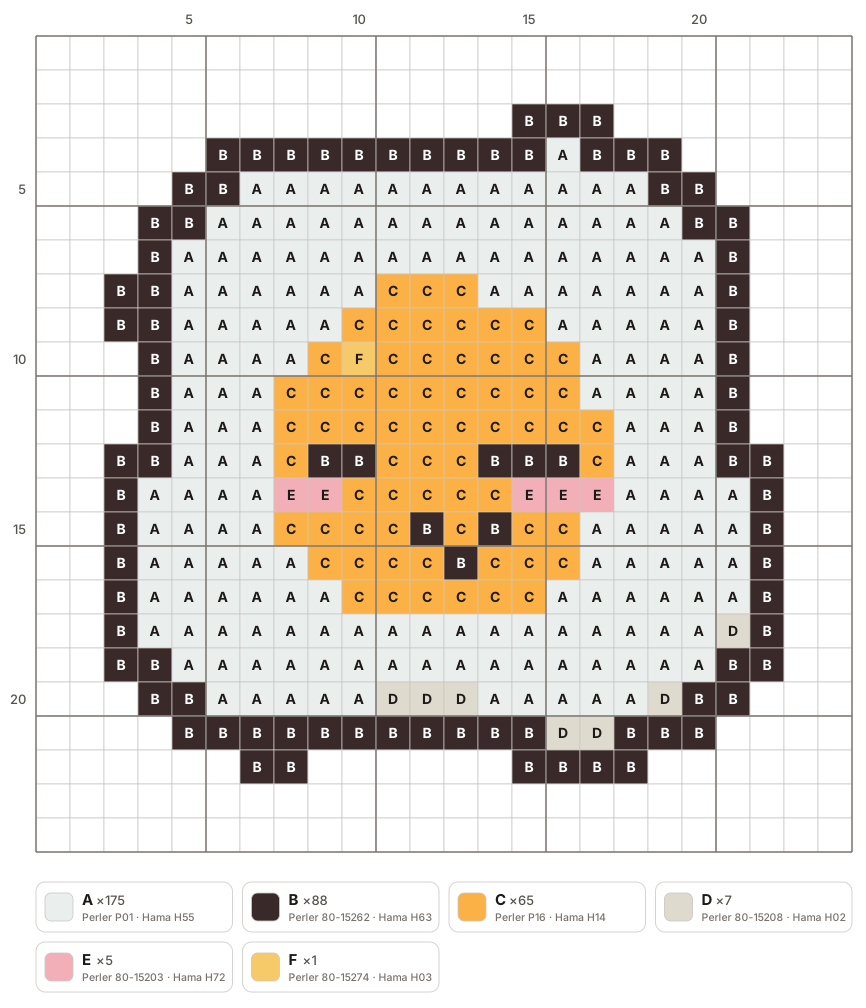
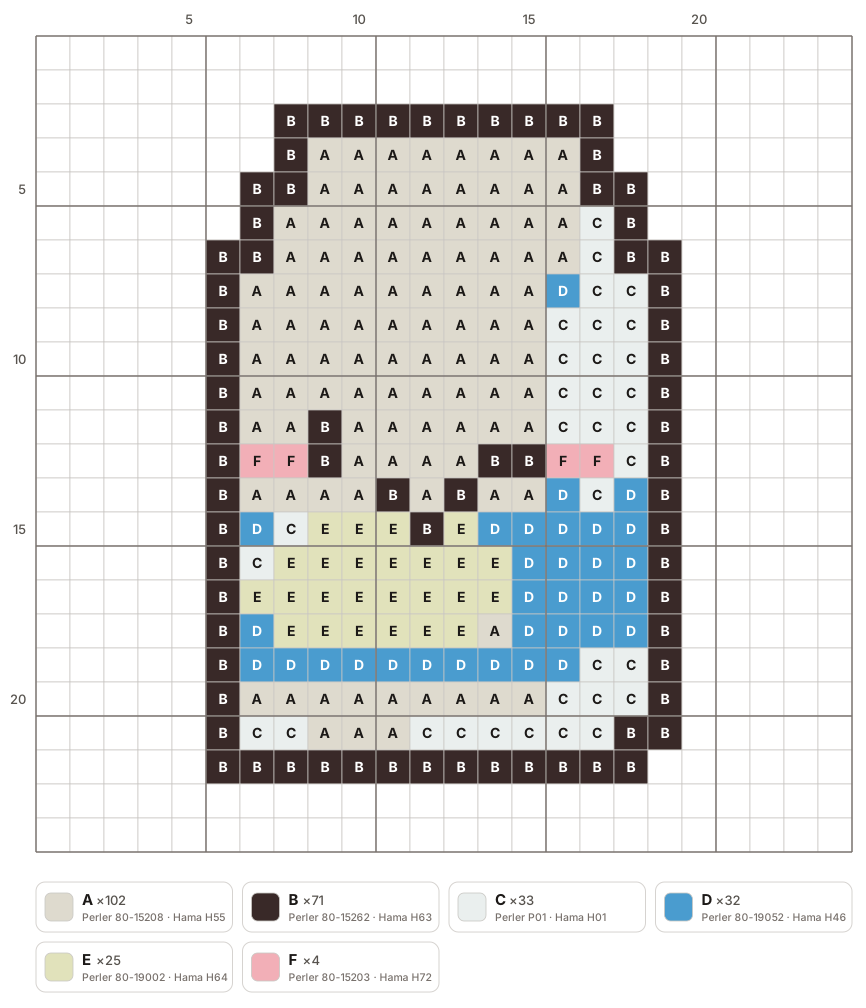
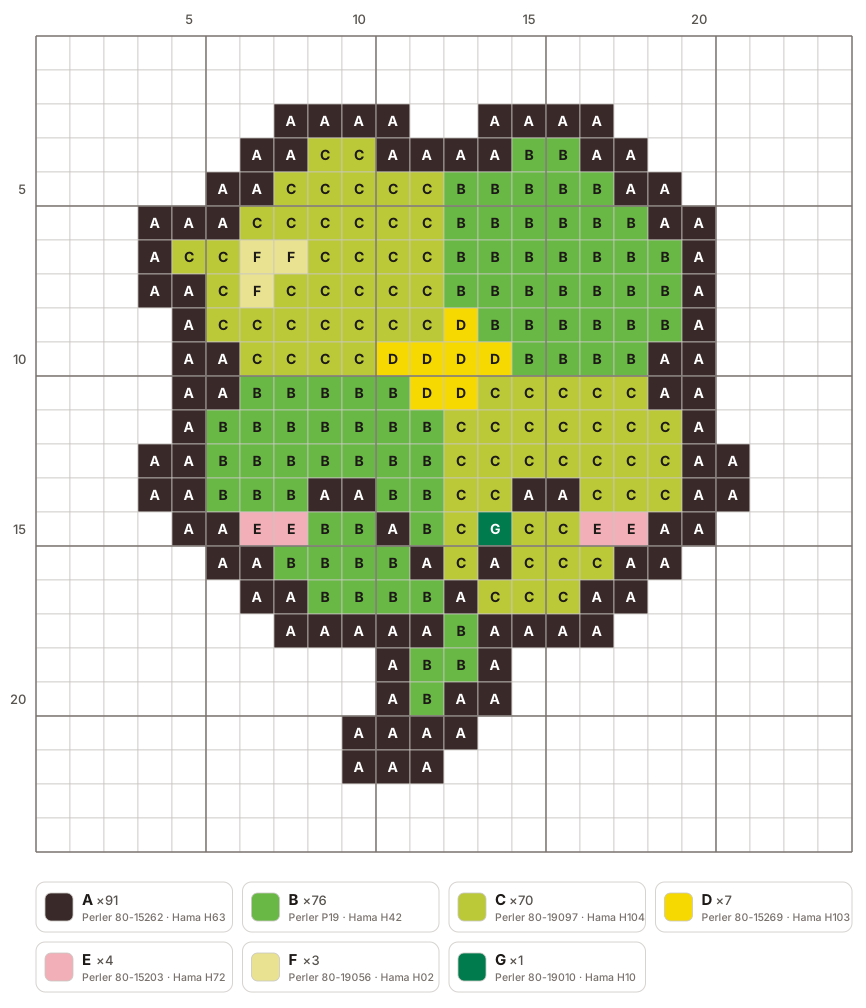
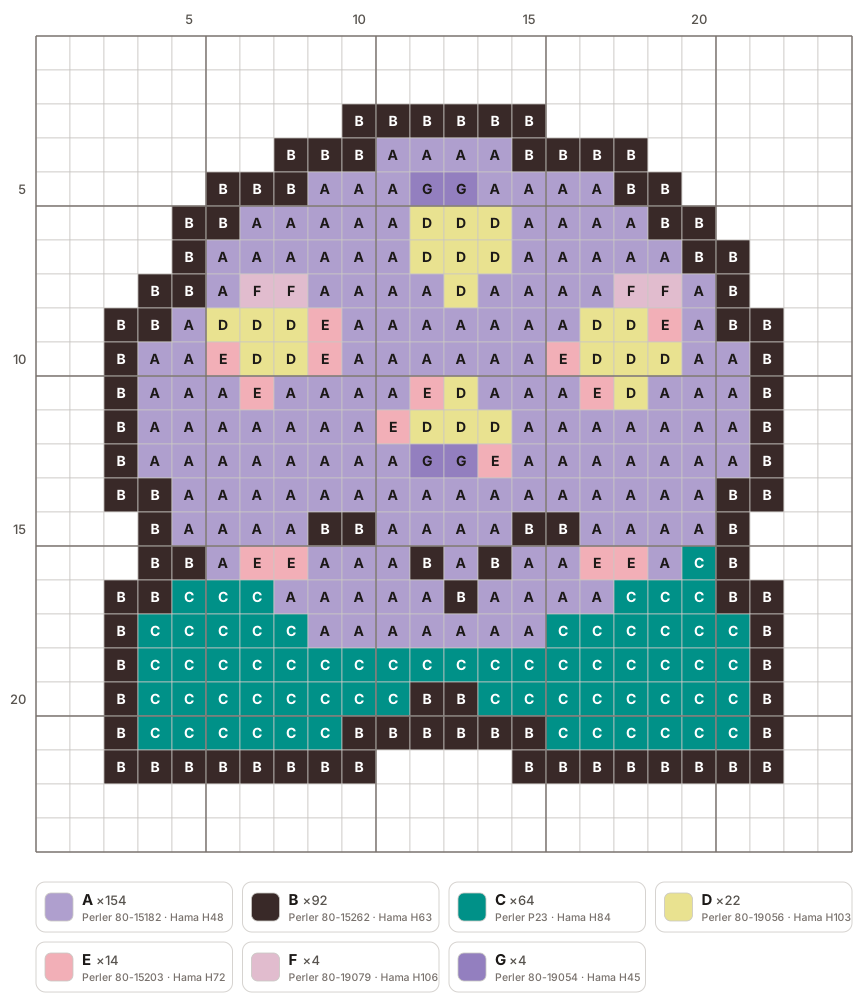
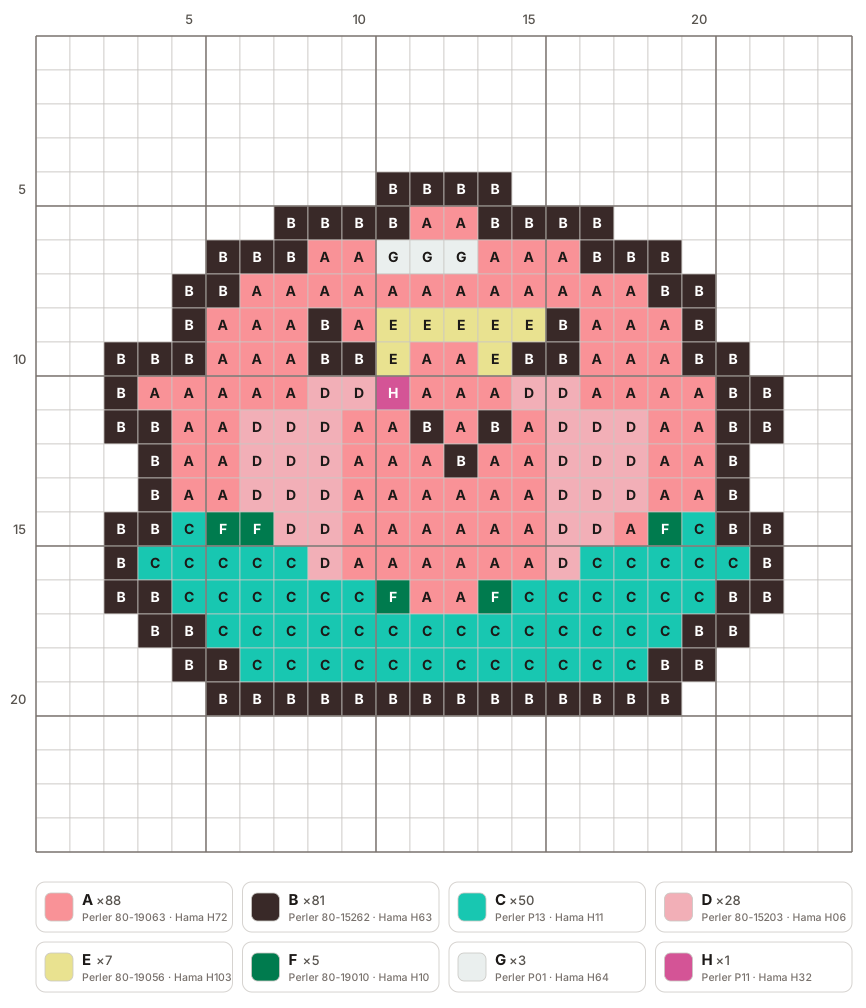
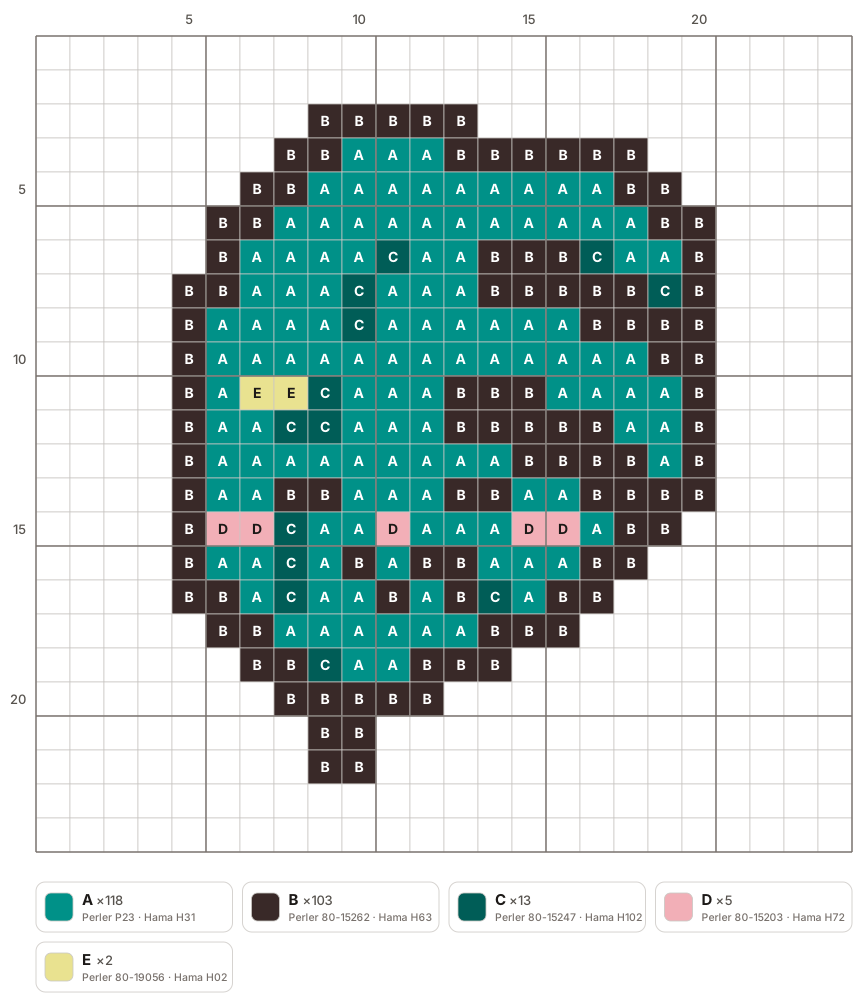
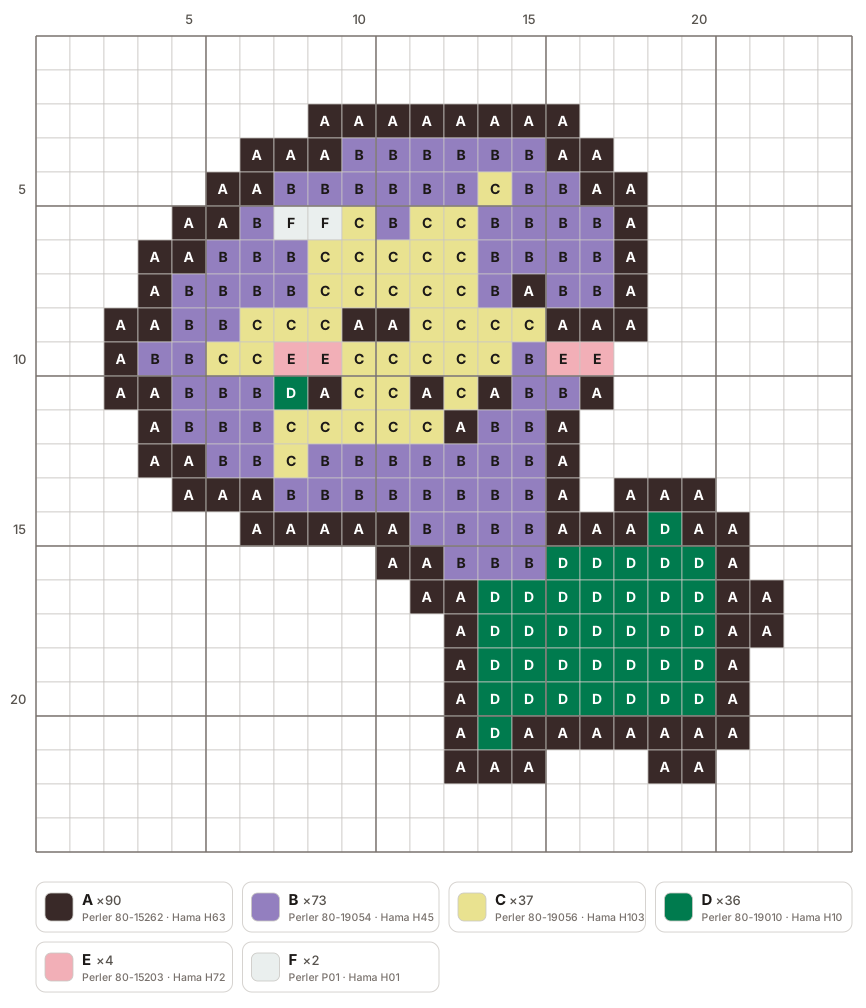
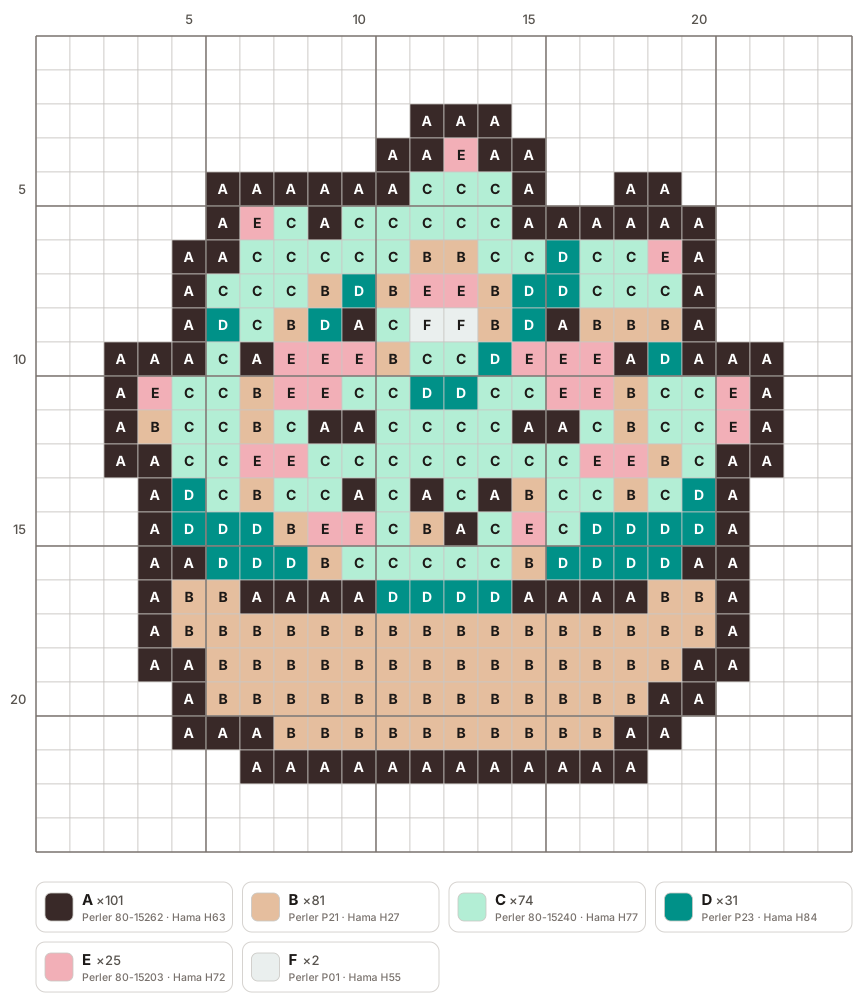
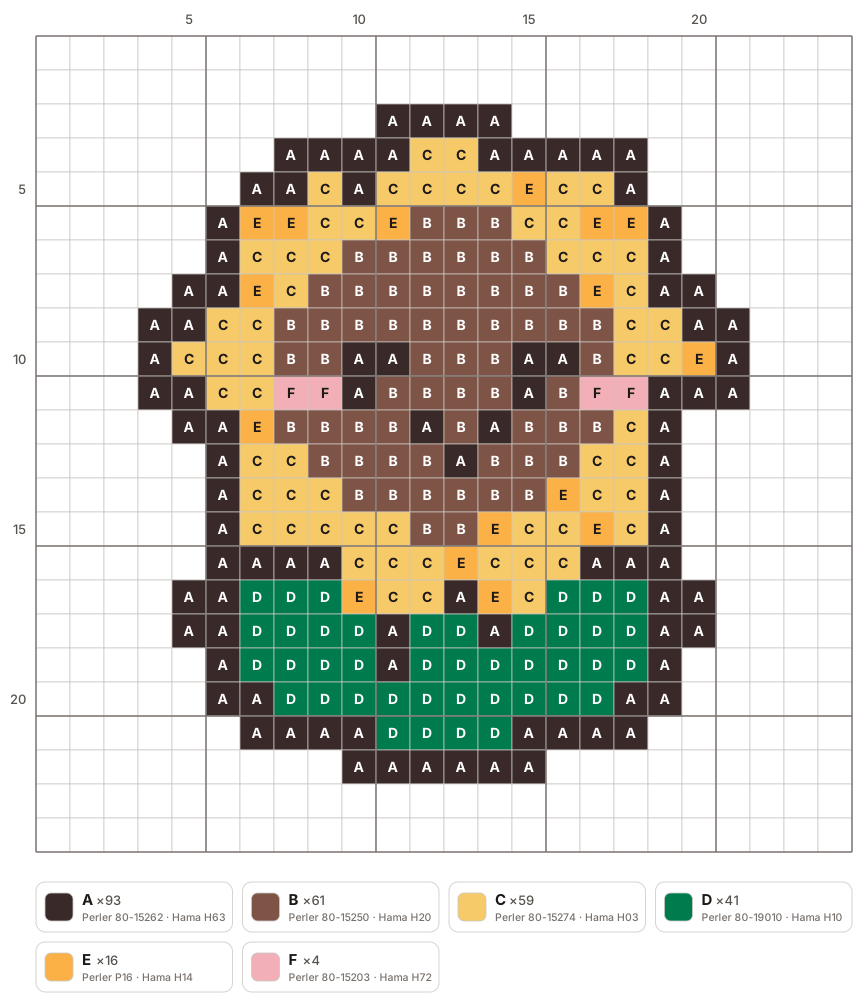
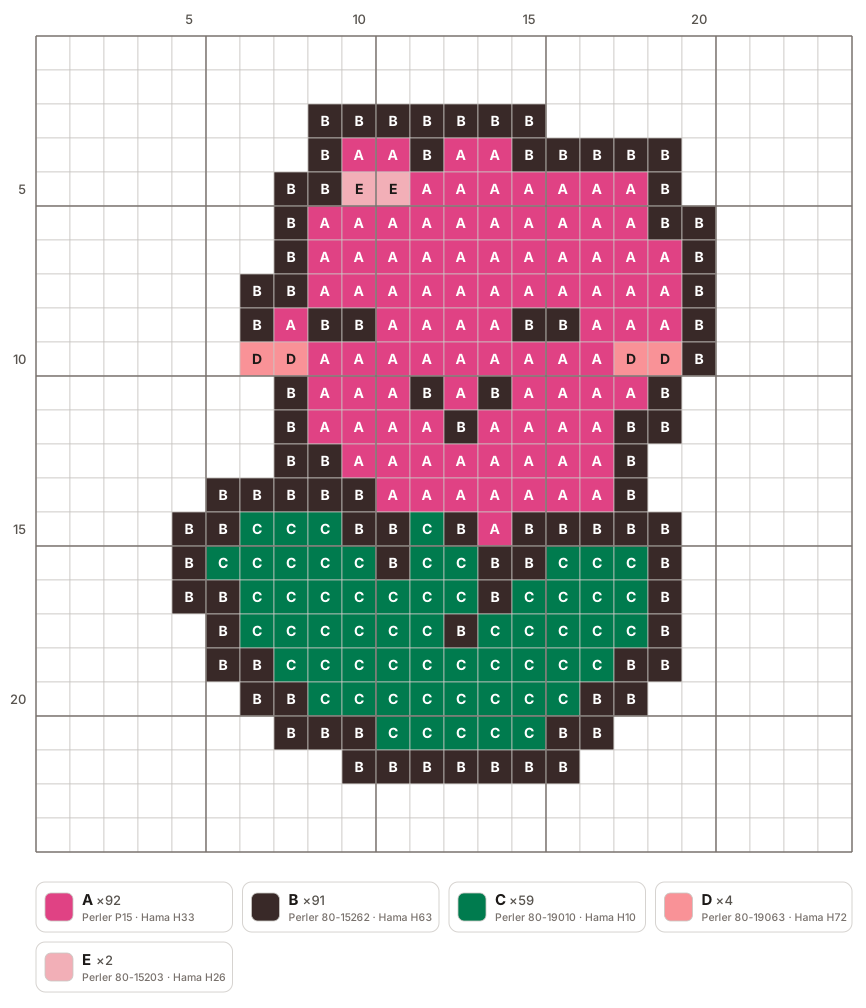
Upload a picture, choose how many beads wide the finished piece should be, and the tool matches every square to the closest real bead color from the brand you selected. You get a printable pattern, a board-by-board build sheet, and a shopping list of how many beads of each color you need.
Need image, sizing, color, or printing help? Read the complete pattern guide.
- Upload your image
- Adjust the pattern
- Export and print
What happens to your picture
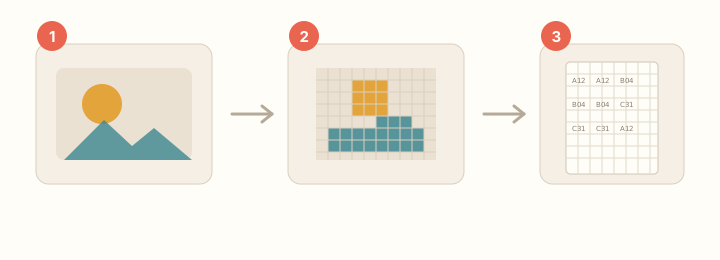
Choose a width and bead brand. The tool builds a grid, then picks the closest available color by how it looks to the eye.
A color limit merges rare shades without changing the grid or bead total. Transparent areas stay empty.
How to turn a photo into a bead pattern
Three steps, and none of them involve filling in a grid by hand. You do not need a spreadsheet, and you do not need to be able to draw pixel art.
There is no app to install: it runs in the browser on a phone or a computer, and the finished pattern downloads as a board-by-board PDF with a shopping list of how many beads of each color to buy.
- 1. Pick an image — A photo, an illustration, or a cut-out PNG all work. Bold outlines and a subject that fills the frame convert best.
- 2. Choose the width and the colors — The width in beads is the finished size; 29 beads is one board and a sensible first project. Capping the palette near ten colors keeps both the shopping list and the sorting short.
- 3. Export and print — Print the board pages at 100%, place the beads by their codes, then fuse through parchment at medium heat for 10 to 20 seconds.
Your image stays on your device
Everything happens on your device; the image is never uploaded. No account is needed, and closing the page leaves nothing behind.