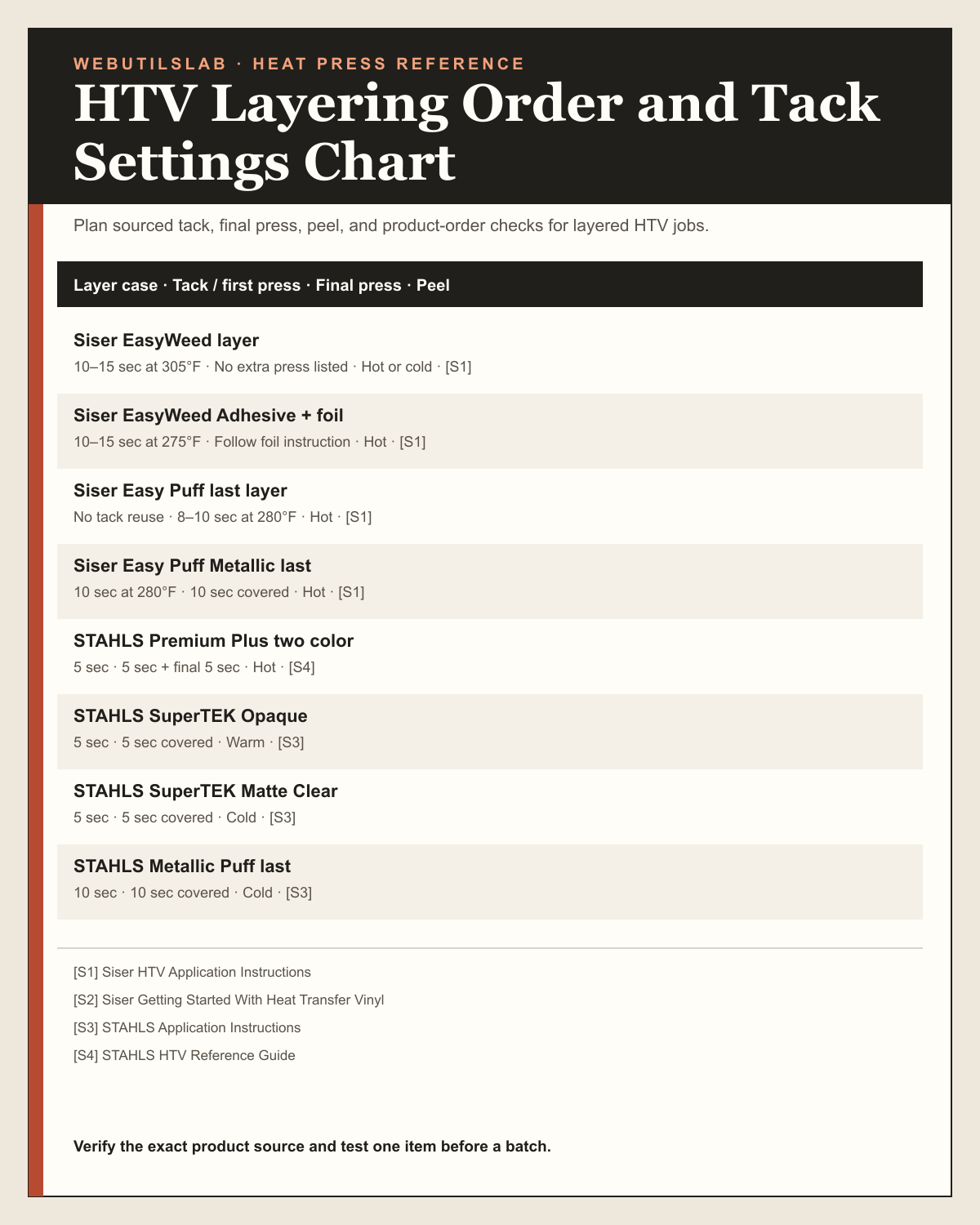
HTV Layering Order and Tack Settings Chart
Keep tack presses short and reserve the complete manufacturer time for the final exposed layer unless the product instruction says otherwise.
| Layer case | Tack / first press | Final press | Peel | Source |
|---|---|---|---|---|
| Siser EasyWeed layer | 10–15 sec at 305°F | No extra press listed | Hot or cold | [S1] |
| Siser EasyWeed Adhesive + foil | 10–15 sec at 275°F | Follow foil instruction | Hot | [S1] |
| Siser Easy Puff last layer | No tack reuse | 8–10 sec at 280°F | Hot | [S1] |
| Siser Easy Puff Metallic last | 10 sec at 280°F | 10 sec covered | Hot | [S1] |
| STAHLS Premium Plus two color | 5 sec | 5 sec + final 5 sec | Hot | [S4] |
| STAHLS SuperTEK Opaque | 5 sec | 5 sec covered | Warm | [S3] |
| STAHLS SuperTEK Matte Clear | 5 sec | 5 sec covered | Cold | [S3] |
| STAHLS Metallic Puff last | 10 sec | 10 sec covered | Cold | [S3] |
How to use the HTV Layering Order and Tack Settings Chart
- Identify the exact material or garment.
- Read the complete row and its bracketed source key.
- Open the source and confirm the current manufacturer instruction.
- Run and record one test before repeating the setup.
Real-world examples
First sample
Inputs
- Exact product
- One sourced row
Result
A single test setup
Production check
Do not generalize the row to an unnamed substitute.
Units and parameters
Keep units consistent from design setup through pressing notes. When the tool provides a preset, use it as a planning value and replace it with the actual garment or blank measurement when possible.
| Input or rule | What it changes |
|---|---|
| Layer case | Read the layer case value in the same row; do not mix columns from different products. |
| Tack / first press | Read the tack / first press value in the same row; do not mix columns from different products. |
| Final press | Read the final press value in the same row; do not mix columns from different products. |
| Peel | Read the peel value in the same row; do not mix columns from different products. |
| Source | Read the source value in the same row; do not mix columns from different products. |
Rule and assumptions
Use the row for the exact named material or garment. Bracketed source keys identify the manufacturer or supplier table behind that row.
- Values apply to the named product or blank, not every material in the same category.
- Measure the actual garment or blank and test one item before a production batch.
- Press calibration, platen contact, seams, moisture, and finish can change a result.
Use this tool for
- Preparing a repeatable bench reference
- Comparing product-specific values before a test
- Recording the source used for an order
Worked example
Inputs
- One exact table row
- The linked source revision
- The actual blank or garment
Result
A sourced starting value and a written test note
When to use this
Before cutting or pressing a new product combination.
What to check before pressing
Confirm product name, substrate, source revision, press calibration, and platen contact.
Quick reference chart
| Use case | Starting point | Check before pressing |
|---|---|---|
| Siser EasyWeed layer | 10–15 sec at 305°F · No extra press listed · Hot or cold | [S1] |
| Siser EasyWeed Adhesive + foil | 10–15 sec at 275°F · Follow foil instruction · Hot | [S1] |
| Siser Easy Puff last layer | No tack reuse · 8–10 sec at 280°F · Hot | [S1] |
| Siser Easy Puff Metallic last | 10 sec at 280°F · 10 sec covered · Hot | [S1] |
| STAHLS Premium Plus two color | 5 sec · 5 sec + final 5 sec · Hot | [S4] |
| STAHLS SuperTEK Opaque | 5 sec · 5 sec covered · Warm | [S3] |
| STAHLS SuperTEK Matte Clear | 5 sec · 5 sec covered · Cold | [S3] |
| STAHLS Metallic Puff last | 10 sec · 10 sec covered · Cold | [S3] |
Common mistakes
- Using a similarly named product instead of the exact row.
- Skipping the linked source when a manufacturer revises instructions.
- Repeating a batch before checking one sample and platen contact.
Sources
Table rows use the source keys shown in brackets. Recheck the linked manufacturer instructions for the exact material, blank, and press before production.
- [S1] Siser HTV Application Instructions — Manufacturer time, temperature, pressure, and peel instructions.
- [S2] Siser Getting Started With Heat Transfer Vinyl — Manufacturer guidance on testing time, temperature, and pressure.
- [S3] STAHLS Application Instructions — Manufacturer application table.
- [S4] STAHLS HTV Reference Guide — Manufacturer product and fabric reference.
FAQ
Are the numbers in this htv layering order and tack settings chart universal?
No. Each row is tied to the named material or garment and its bracketed source. Recheck the source and test the actual item.
Why do I need a test when the row has a source?
A source establishes the intended starting value. Press calibration, substrate variation, seams, moisture, and finish still affect the physical result.
How should I record a changed setting?
Keep the source value and the successful test value together with the product name, date, press, pressure method, and blank lot.